Track income, expenses, budgets, and savings goals in ChatGPT.
You share the transactions. No bank connection.
You ask.
The numbers answer.
 ChatGPTCompatible
MCP clientsMXN · USD · EUR
Your finances shouldn’t depend on your AI’s memory.
ContaMCP saves your transactions separately from the conversation. Your assistant can look up the numbers whenever you ask.
How your data is storedChatGPT
First chat
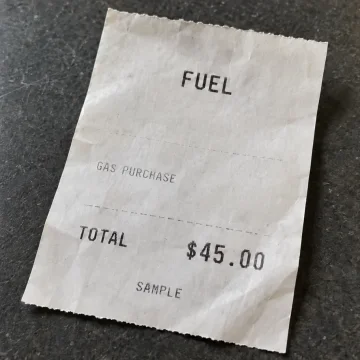
I spent $45 on gas.
ChatGPT
Another chat, weeks later
Find my last gas expense.
$45.00USD
Your records.
Your rules.
Host it yourself, make it your own, or help us improve it for everyone.
MIT license · Built with Cloudflare Workers# Make it yours.
$
git clone
https://github.com/
fguillen-tejera/ContaMCP.git
$ cd ContaMCP
$ pnpm install
$ pnpm db:migrate:local
$ pnpm dev
→ Your records. Your infrastructure.
Your finances,
in ChatGPT.
Connect Conta and start tracking income and expenses.
- Open ChatGPT Plugins → Add custom MCP server.
- Name it Conta, paste the link below, and choose OAuth.
- Create and install Conta, then sign in with Google.
Start a chat and select @Conta.